Practical Applications of the Graphing Primitives
Concrete college algebra, trigonometry, and calculus exercises mapped to the Interactive Graphing Exercise Types spec, organized by the core exercise primitives. Read the status tag on each section first — it says whether that capability already exists, needs extending, or is net-new, so you build only the gaps and don’t rebuild shipped functionality. Lean on the components we already have. Every image is the bare figure only — the question and answer input noted on each card live in the exercise UI, not in the graph. Images are GPT-generated proof-of-concept figures.
These tags rate functionality — what the engine can already do — not exercise types. Adding new exercise types is an anti-goal (see the architecture rule); we grow shapes, movement types, and the missing functionality. A primitive can be an existing type that still needs net-new functionality (e.g. selecting exists, grading the selection does not).
Shapes & the one architecture rule
Exercise types are shape-agnostic. There is no unique exercise type per shape — every exercise type must work with any shape, and we must be able to add new shapes later without creating new exercise types.
Today only fixed / movable lines exist — that’s the foundation to build on. The net of this whole page: we need more shapes and more movement types (rotation, handle-dragging), not more exercise types.
Supported-shapes list — any new shape plugs into the existing exercise types without a new type. See the Shapes × Exercises tab for how each shape behaves in the same exercise (the Shape Descriptor model).
Not on this page anymore: static-image + multiple-choice questions (Riemann-sum estimates, wave measurement, 3D sections). Those already exist as an interaction — they only need new static graph art, not a new exercise type.
Sequencing & combinations
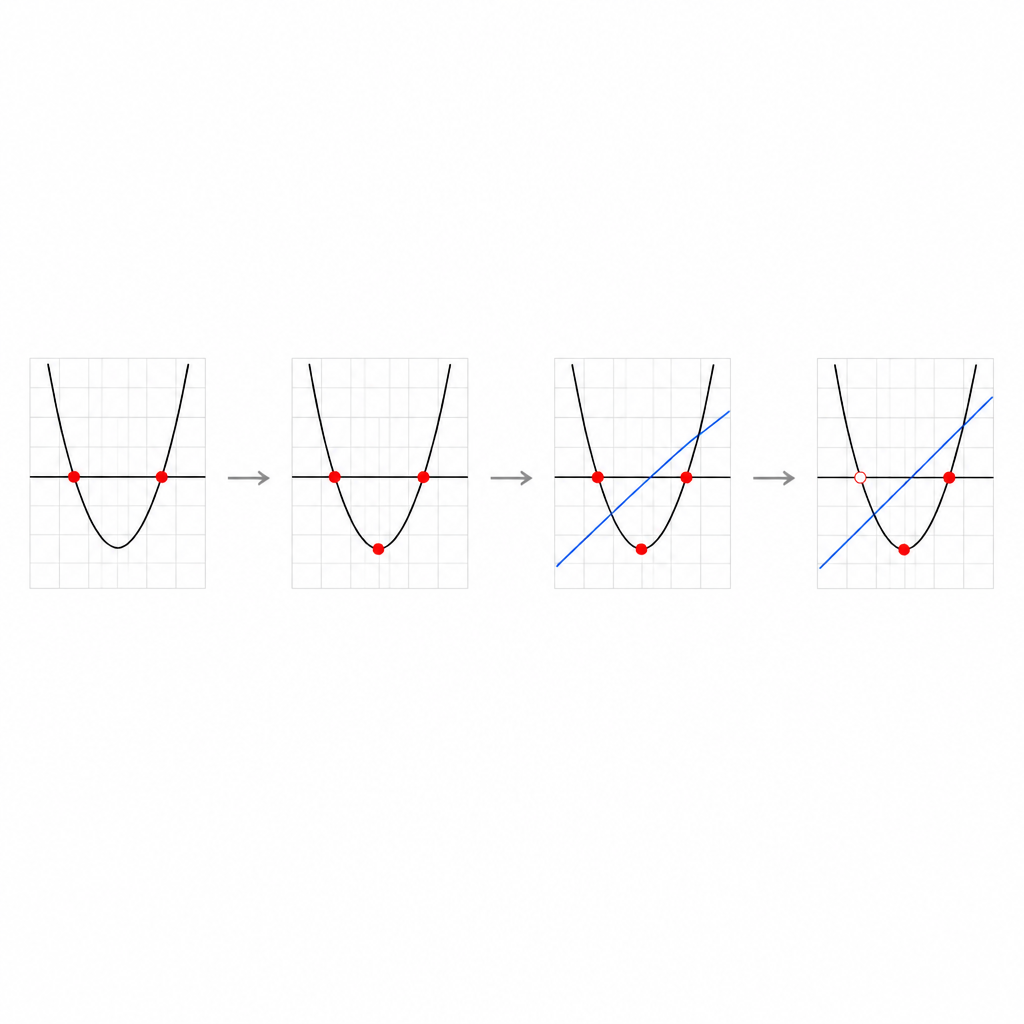
The power of the primitives is chaining them into multi-step problems. A hard lesson walks the full sequence; an individual drill is a single step. Spec example: plot the roots → plot the max → add a line → toggle a dot from closed to open → submit the final figure.
COCO Contract — Interactive Graphing Exercises
A durable spec for the Flutter graphing exercise system in COCO form — Contract (Behaviors, Invariants, Constraints, Exclusions), Conformance, Observability, Orchestration. Status pills mark what already exists, needs extending, or is net-new. Important: the pills rate functionality (engine capabilities), not exercise types. Keeping the exercise-type list small and shape-agnostic is the goal (Invariant I1); we add shapes, movement types, and missing functionality — not new types. So a behavior can be an existing type whose key functionality is still net-new (B4 grading is the clearest case). The Change Log tab tracks how the Behaviors / Invariants / Constraints (BIC) have changed across versions.
Contract
Behaviors — the exercise primitives
| ID | Primitive | Interaction → graded answer | Status |
|---|---|---|---|
| B1 | Plotting | Drop dot(s) on an empty canvas or onto an existing element (curve, circle). Answer = dot position(s). Roots, min/max, vertex, intercepts. | extend |
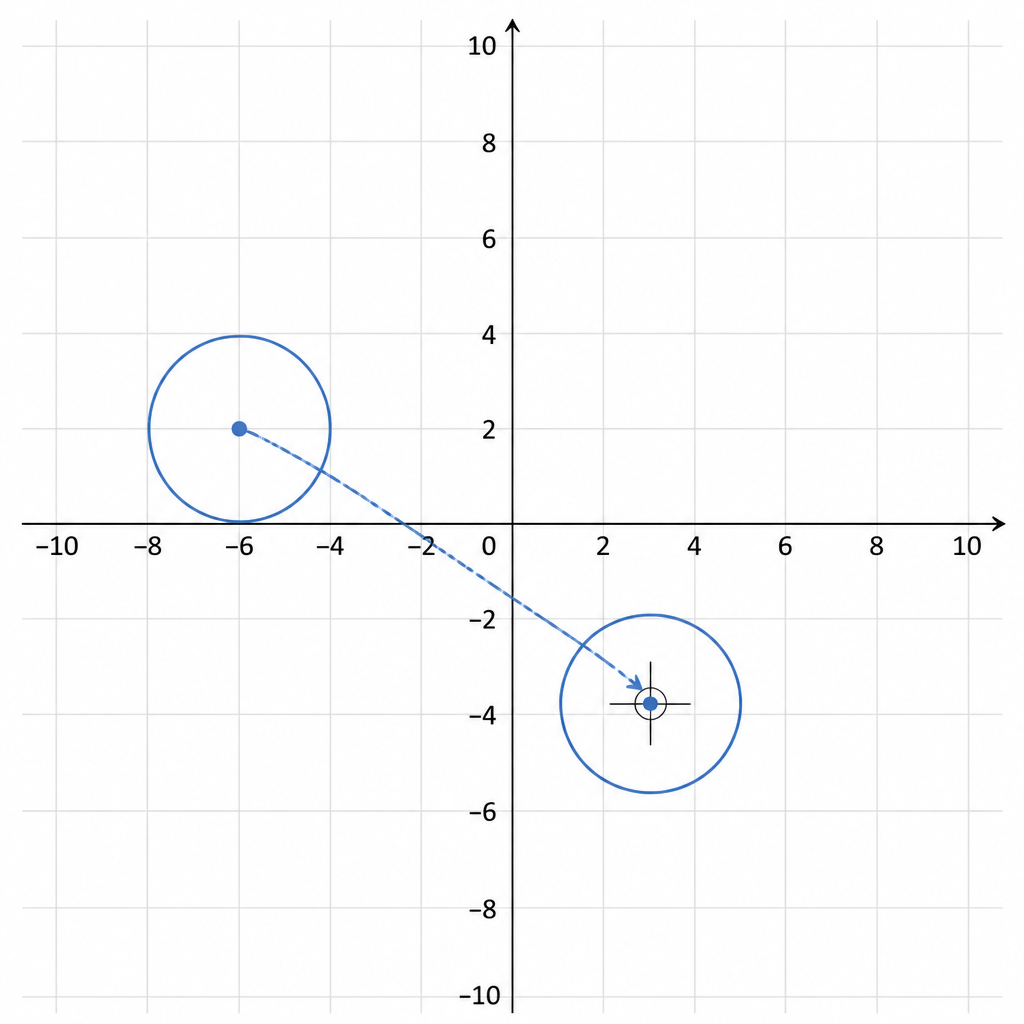
| B2 | Fixed shape + drag | Drag a rigid pre-built shape into position; answer = release position. With a read-only element this gives transformations. | extend |
| B3 | Anchor + reshape | Some points anchored; student moves the rest (or slides a single-axis point) to reshape; answer = final figure. | net-new |
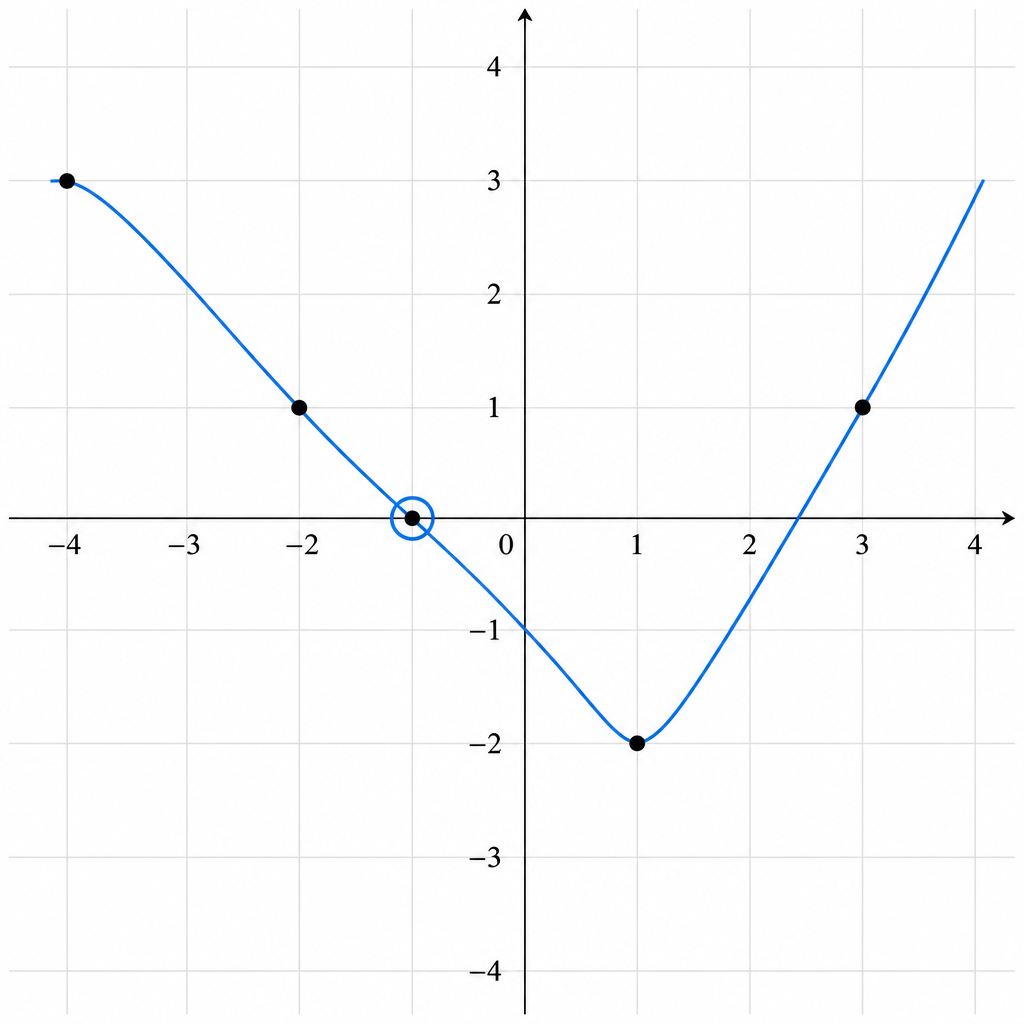
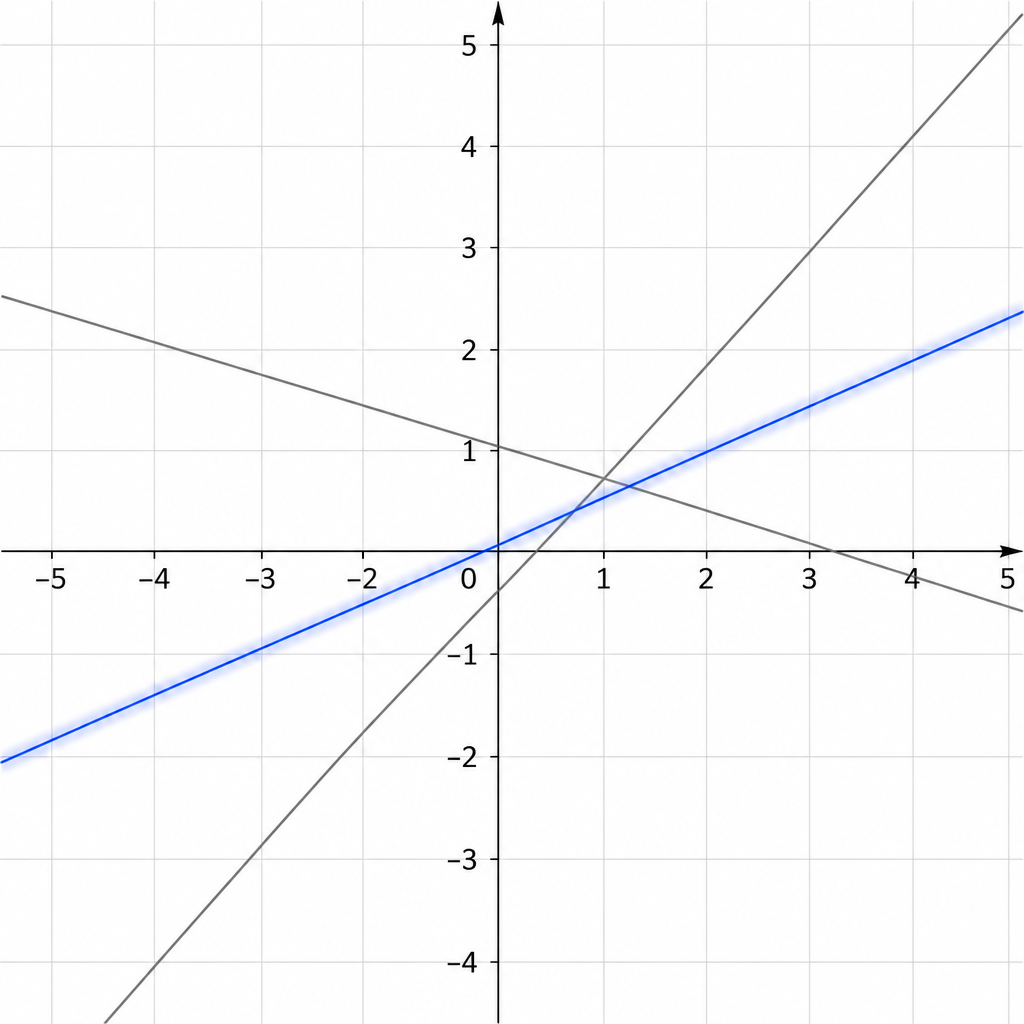
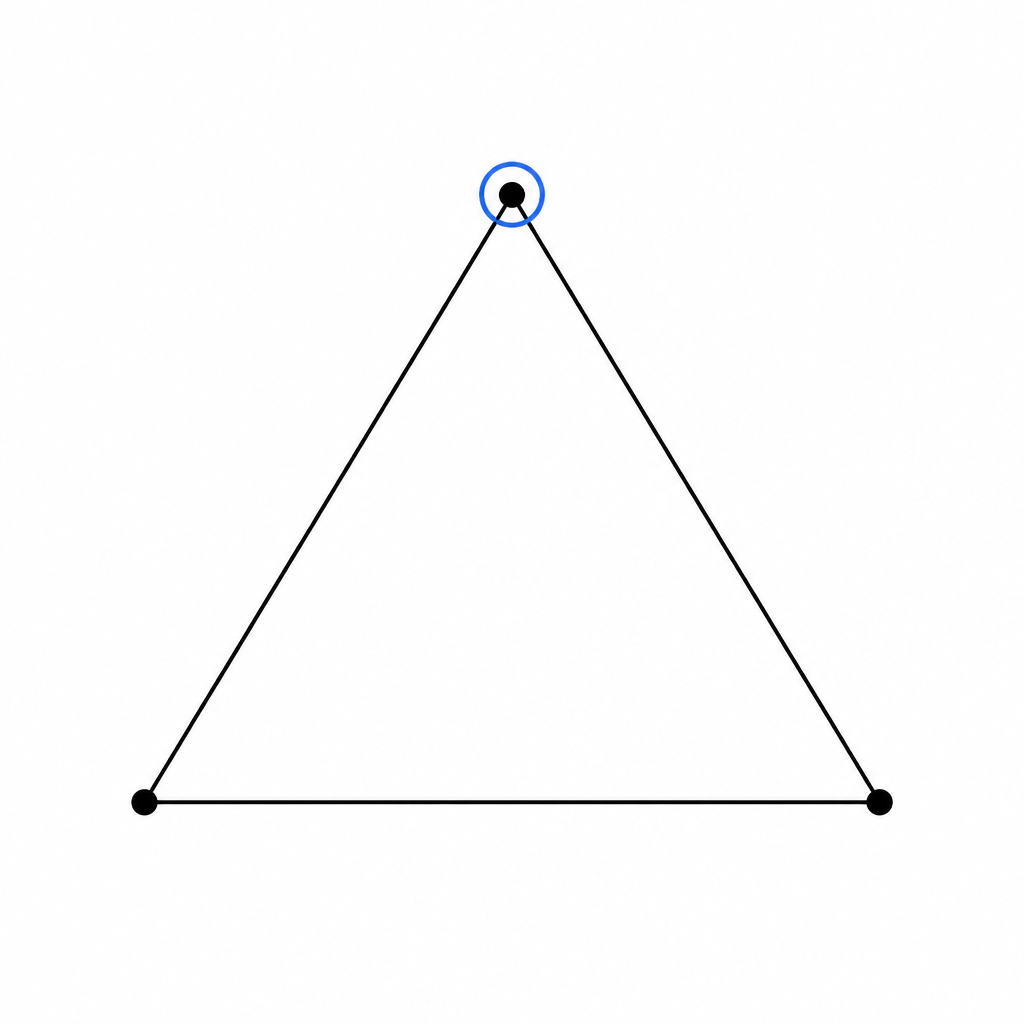
| B4 | Select existing elements | Pick among elements already shown (e.g. which dot is the minimum). Selecting exists today; grading the selection is the net-new capability. | type: exists grading: net-new |
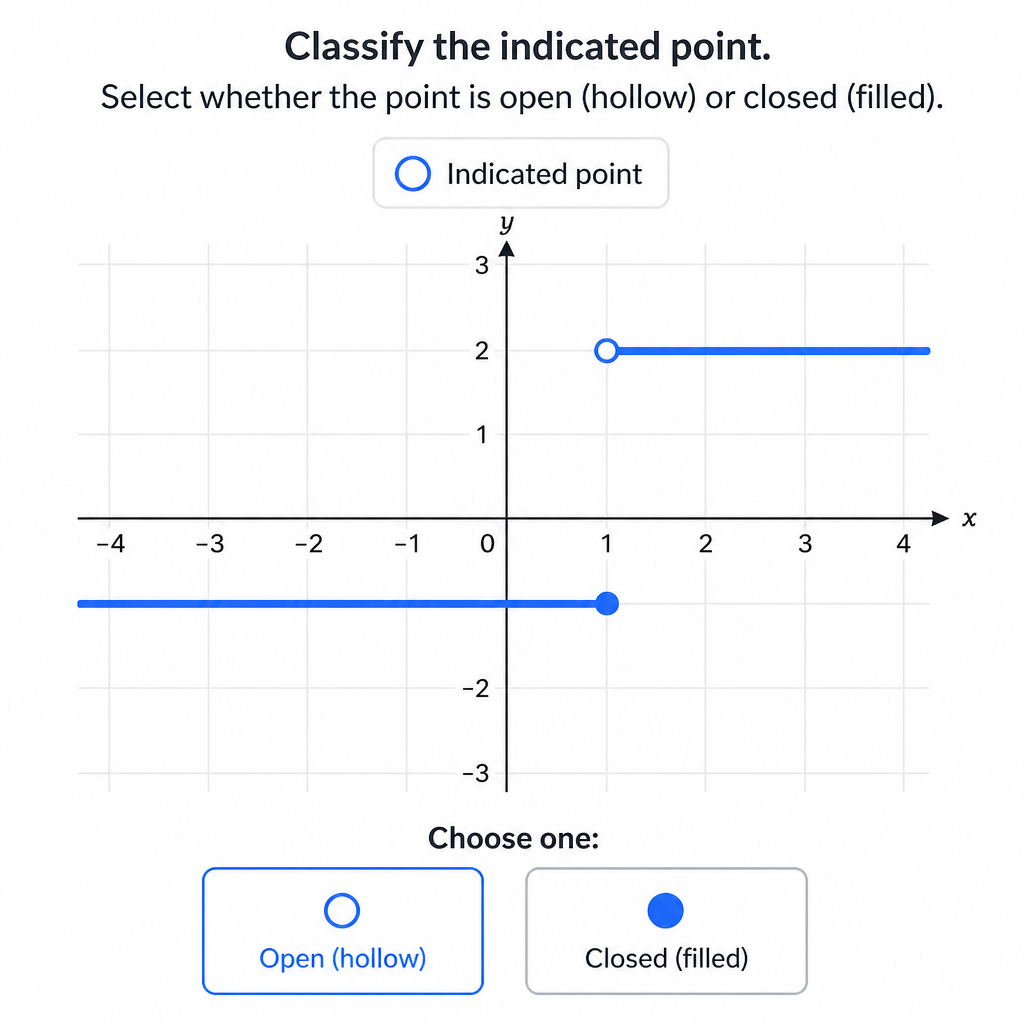
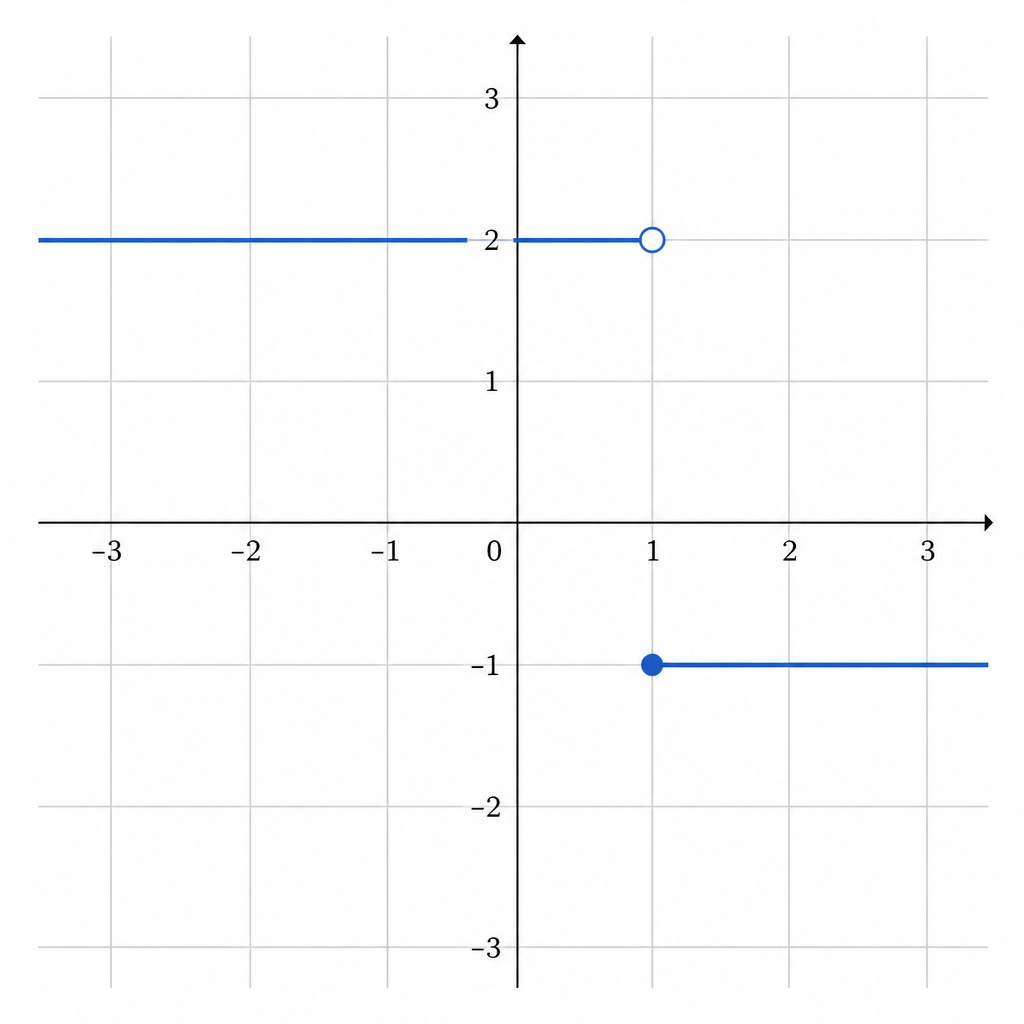
| B5 | Identify type | Classify an element via the Select-Type menu (closed/open/dashed dot, solid/dotted line, asymptote/hole). | extend |
| B6 | Labels | Shape carries angle/coordinate/side/POI label slots; each is given or asked; answer via drag-to-match, type-in, or MC. | net-new |
| B7 | Shade Select | Tap the correct region(s) directly on the graph — single line (above/below), systems (intersection vs not), integral regions. Signed. | net-new |
| B8 | Shade Shaping | Drag the boundaries of a shaded area; the signed area value can update live (FTC part 1). | net-new |
| B9 | Follow a Path | Drag an element anchored to a static one; it re-draws as it moves (unit-circle triangle, tangent slope). | net-new |
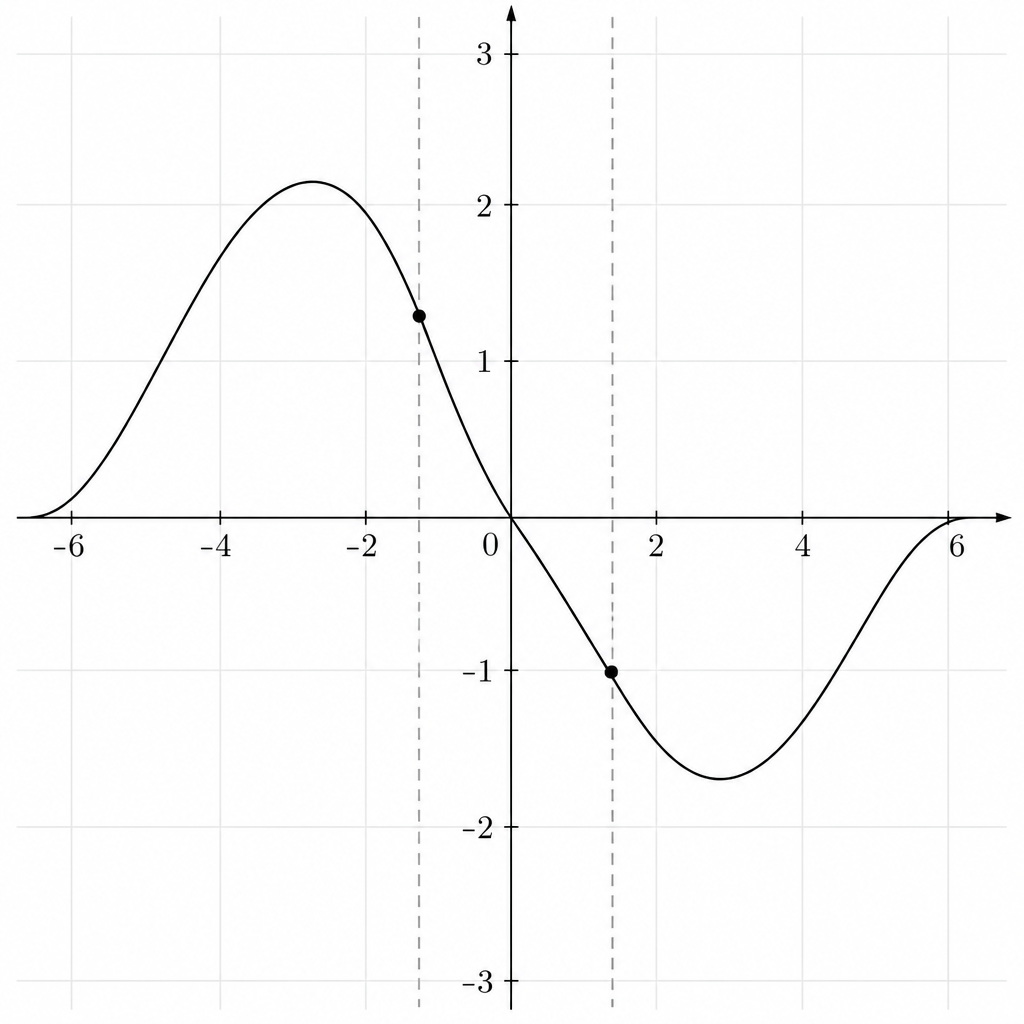
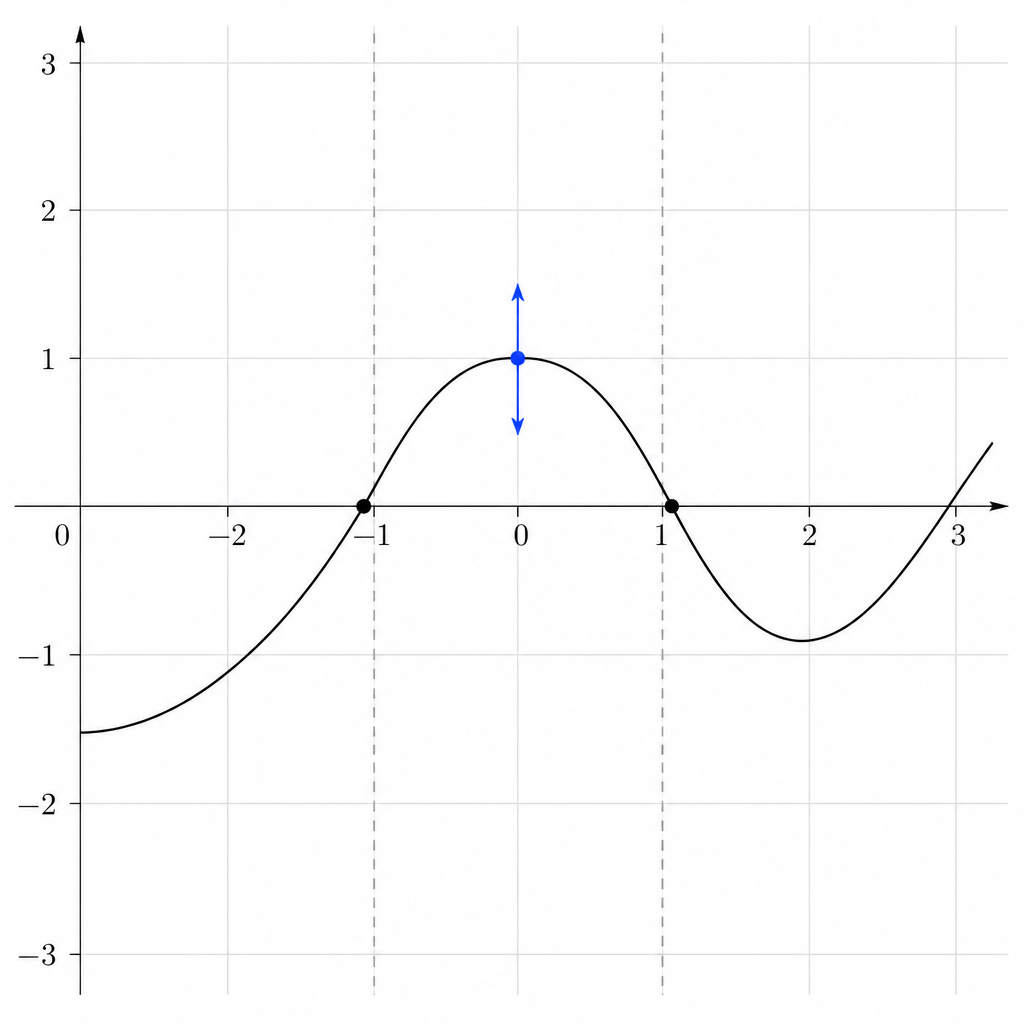
| B10 | Concave handles | Each region carries a literal drag handle (dot + up/down arrows) dragged to set straight / concave up / concave down. No menu. | net-new |
| B11 | Sequencing | Chain primitives into a multi-step problem; a drill is one step, a hard lesson walks the whole chain. | net-new |
Invariants — always true
- I1 Exercise types are shape-agnostic: there is no exercise type per shape; any type works with any shape, and new shapes are added without new types.
- I2 The figure is the bare graph only. The question text and answer input live in the exercise UI, never baked into the image.
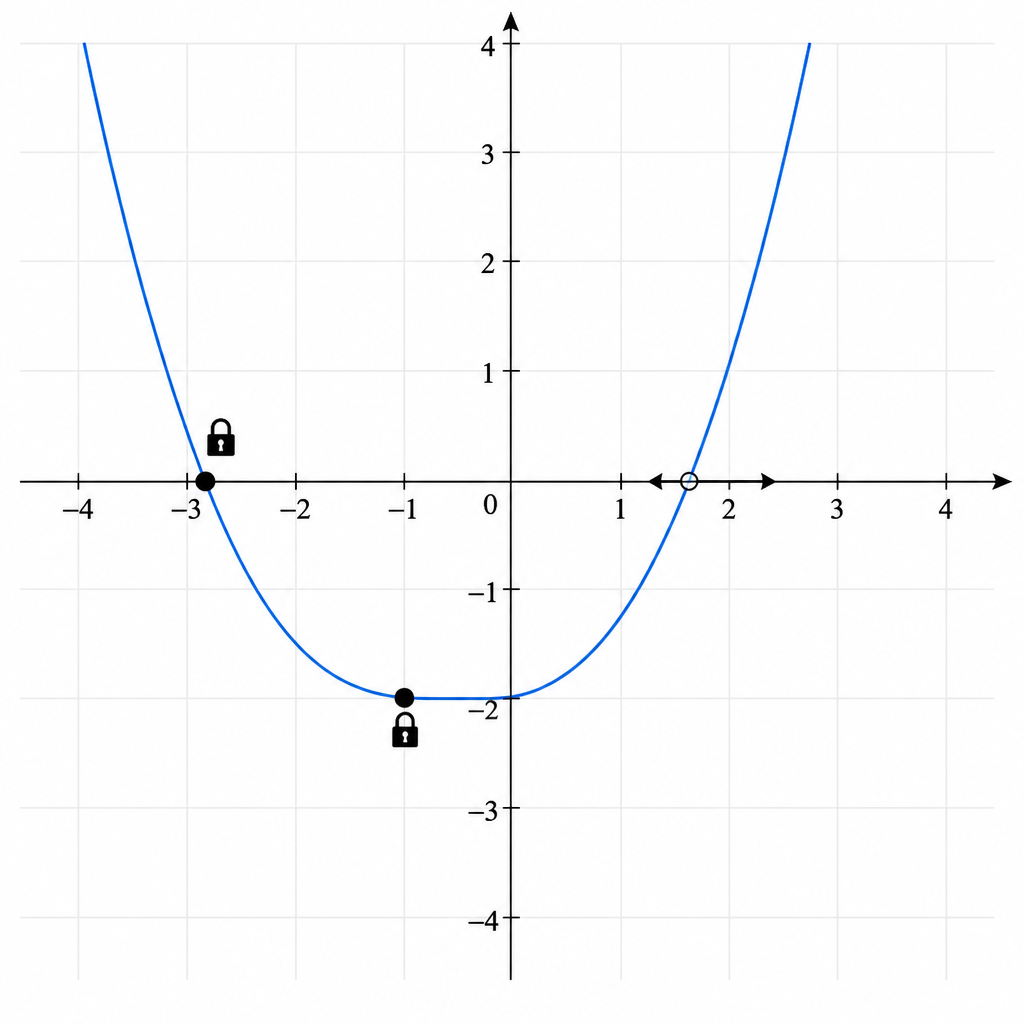
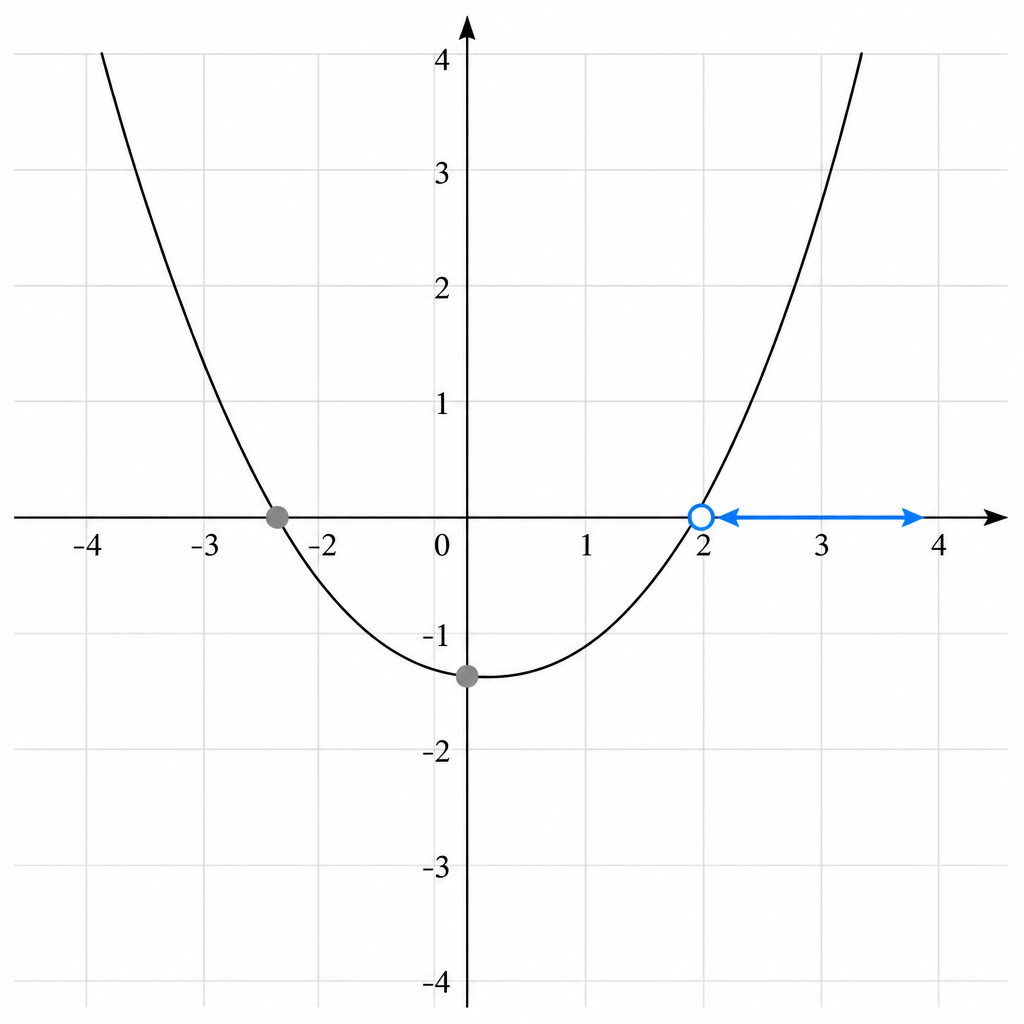
- I3 Fixed / read-only elements use the existing gray treatment — never a lock-icon system.
- I4 A point anchored on both axes is gray; a point anchored on one axis is not grayed — on tap it shows directional arrows for its allowed movement.
- I5 Reuse existing components: the Select-Type menu extends the number-line point menu; fixed/movable behavior extends today's lines.
- I6 Area is signed — area below the x-axis counts negative (Shade Select & Shade Shaping).
- I7 Selecting elements already works; the net-new capability is grading a selection as the answer.
- I8 Concavity is set with literal drag handles (three preset states) — never a pop-up menu.
- I9 Triangles render off the coordinate grid and are labeled "not to scale" when needed.
Constraints — boundaries on the build
- C1 Add new shapes without creating new exercise types.
- C2 Do not build a new lock-icon system; reuse the gray read-only treatment.
- C3 Concavity offers three preset states (straight / concave up / concave down) — no free-form drag amount.
- C4 Build only the gaps — honor each behavior's exists/extend/net-new status and lean on shipped components.
- C5 Reshaping right triangles is not required — use multiple fixed triangles.
Exclusions — explicitly out of scope
- X1 Interactive 3D manipulation — 3D shapes & sections are static images + multiple choice only.
- X2 Students drawing Riemann rectangles — a teaching visual, not an exercise (confirmed with Dallas, SME).
- X3 The free-form concavity handle — dropped as unpredictable.
- X4 "Static image + multiple choice" as a new exercise type — it already exists; new graphs are just new static art.
- X5 A distinct exercise type per shape.
Conformance — how we verify the contract holds
- Every primitive (B1–B11) produces a gradeable answer: position, drag end-state, selection, label, region, or type.
- Shape-agnostic check: swap the shape under any exercise type and it still works with no new code (I1, C1). Realized via a per-shape Shape Descriptor (anchors, constraint surface, selectable sub-elements, typed elements, movements, snap) — see the Shapes × Exercises tab.
- Fixed elements render gray; both-axis-anchored = gray; single-axis-anchored = directional arrows on tap (I3, I4). No lock icons anywhere.
- Signed-area arithmetic: a region below the x-axis subtracts (I6).
- Select-Type reuses the number-line menu pattern; no parallel menu component (I5).
Observability — signals it works
- A selection is graded right/wrong (today we can select but not grade — that gap is the work, I7).
- The live signed area value updates as Shade-Shaping boundaries move (B8).
- Drag end-states snap to "good numbers" (clean whole numbers; factors of 3/4/5) so grading is unambiguous.
Orchestration — composing primitives
Primitives chain into multi-step problems (B11). A drill is a single step; a hard lesson walks the whole chain. Canonical sequence: plot the roots → plot the max → add a line → toggle a dot from closed to open → submit the final figure. Transformations are orchestration too: a fixed read-only original (gray) + a moveable copy positioned relative to it.
Shapes × Exercises
How one shape-agnostic exercise behaves across different shapes (Invariant I1, Constraint C1). The rule: an exercise type never special-cases a shape — the interaction and grading are written once, and each shape supplies a Shape Descriptor the exercise reads. Focus here is the extended behaviors (B1, B2, B4, B5), since those grow shipped functionality (today: lines) to span more shapes.
The Shape Descriptor
A new shape ships a descriptor and zero new exercise code. The descriptor declares the handles every exercise needs:
Shape-agnostic = exercises read these fields. Per-shape = the field values. Empty matrix cells below are expected: not every (shape × exercise × target) is valid — content authors pick valid combos; a gap is by design, not a missing feature.
B1 — Plotting extend
| Shape | What you plot | Constraint surface |
|---|---|---|
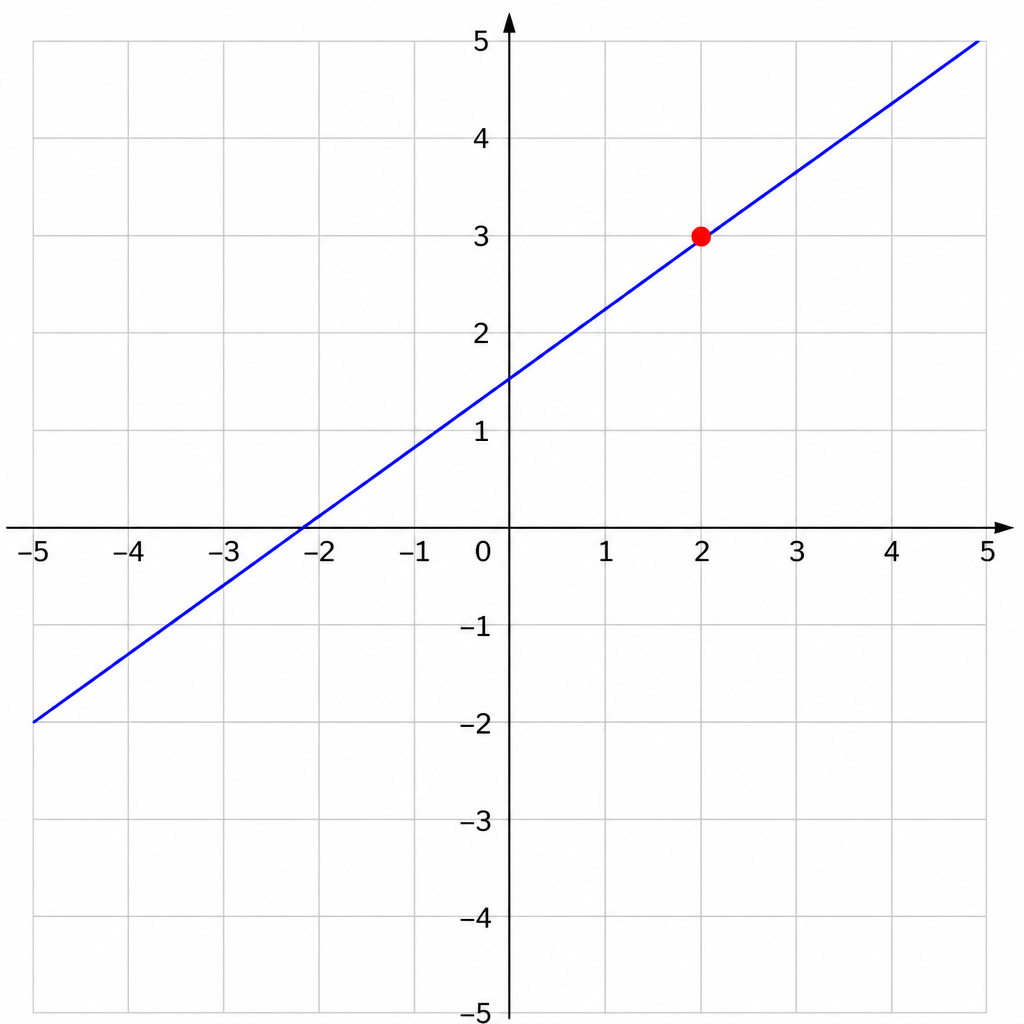
| Line | a point on it; intercepts | 1D on line / 2D for intercept |
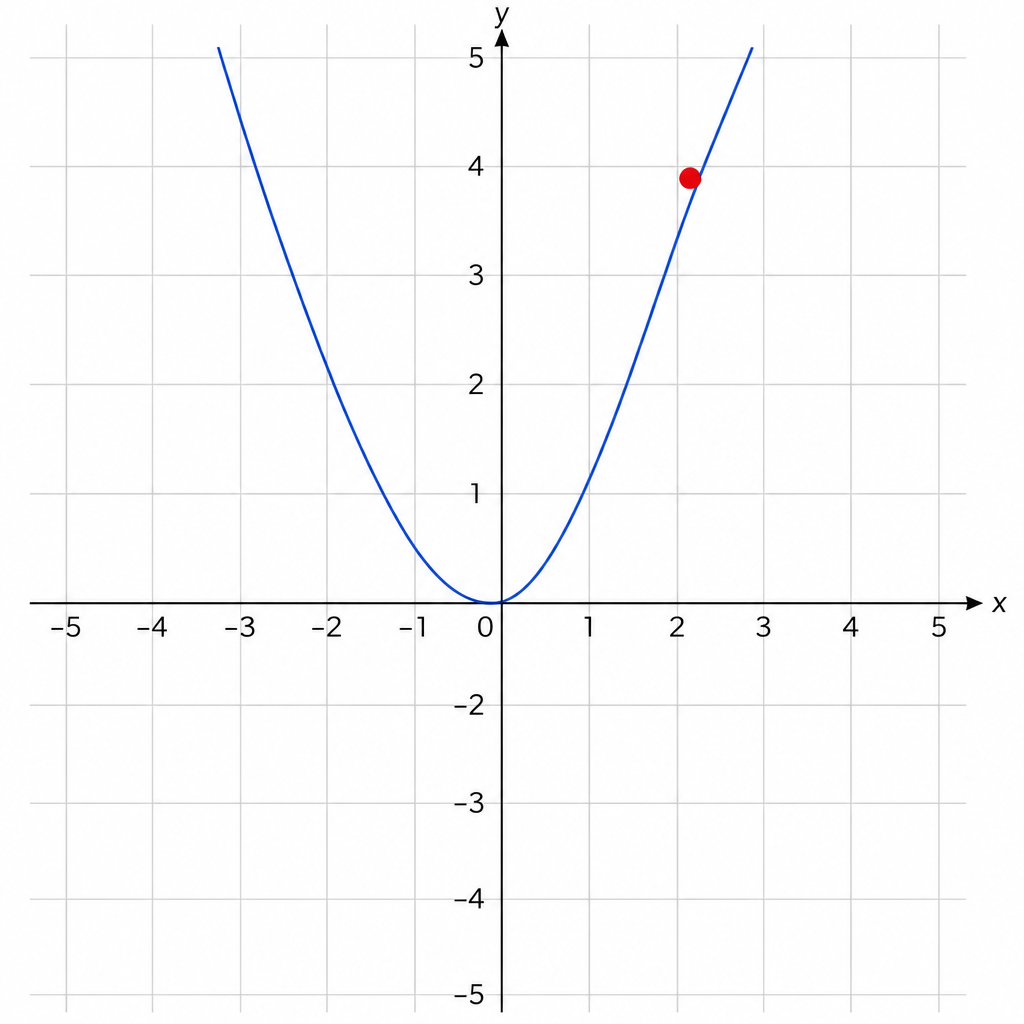
| Curve | roots, vertex, min/max, point at x | 1D on curve / discrete features |
| Wave | peaks, troughs, zeros | 1D on curve |
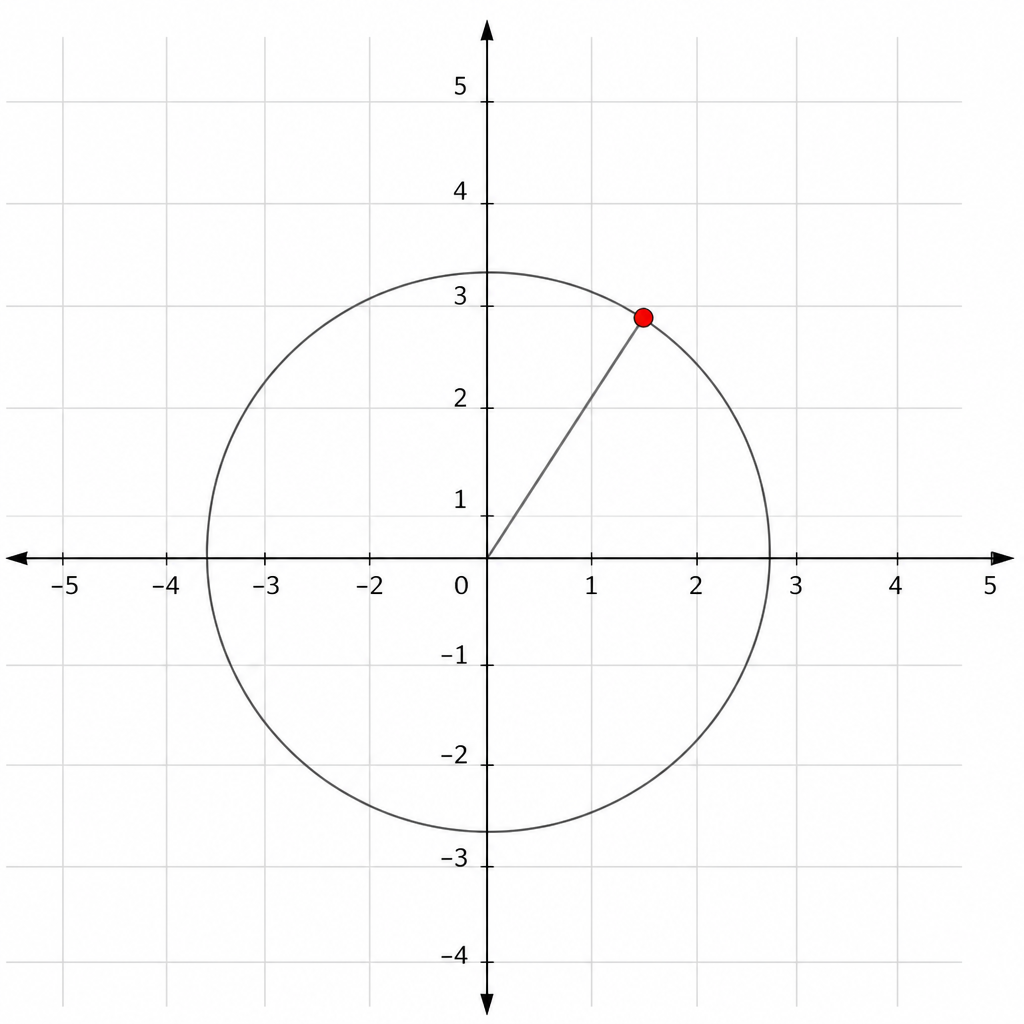
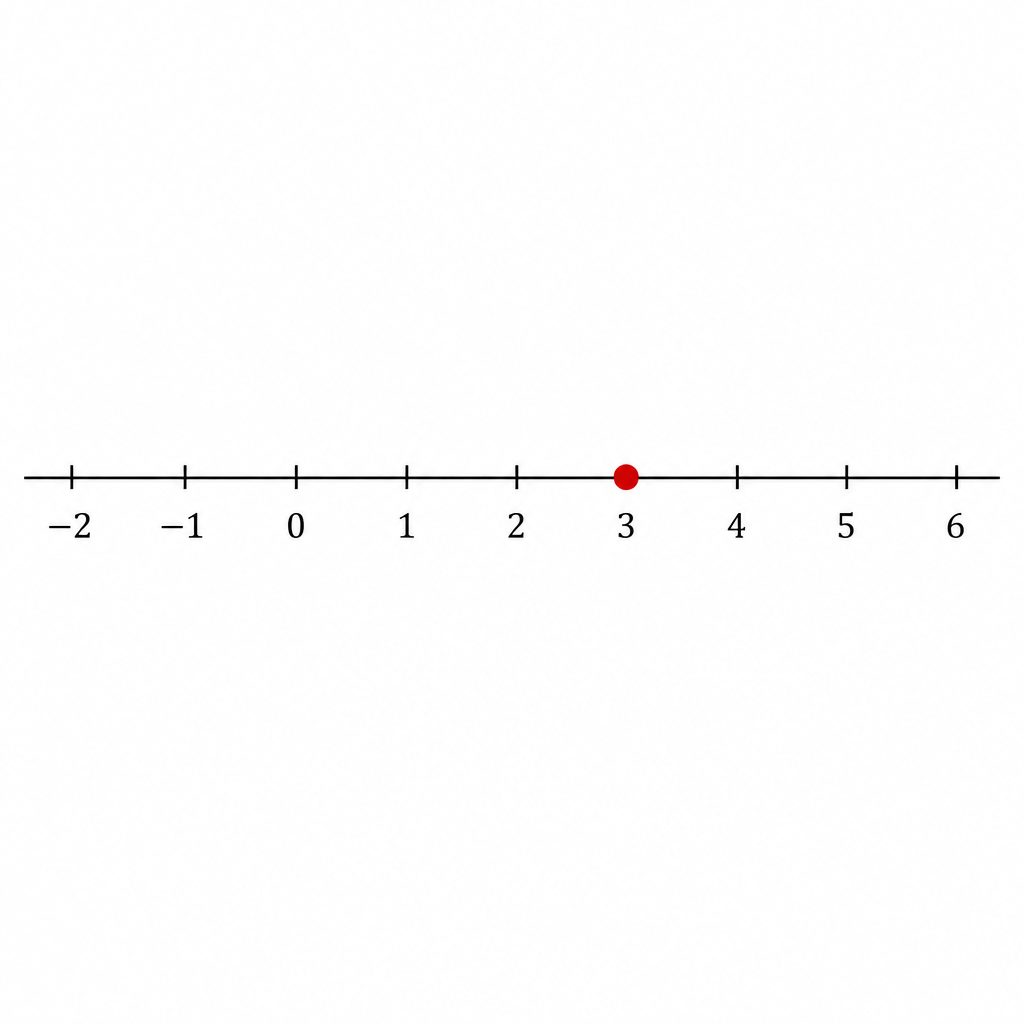
| Circle / unit circle | center; the point at angle θ | center = 2D; point = 1D on circumference |
| Triangle / rectangle / polygon | a vertex, the right-angle vertex, midpoint | discrete features |
| Point | the point itself (this IS empty-canvas plotting) | free 2D |
| Number line | a value / solution | 1D on the line |
B2 — Fixed shape + drag extend
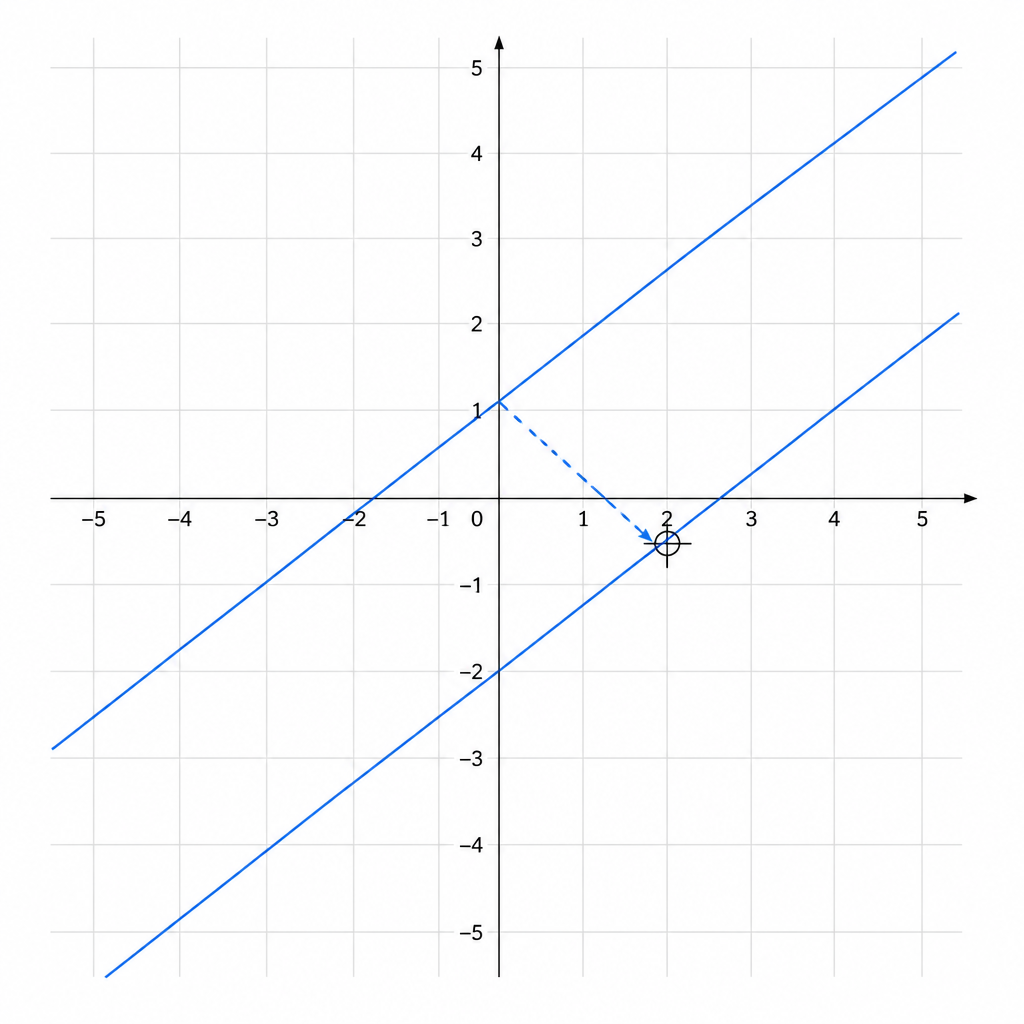
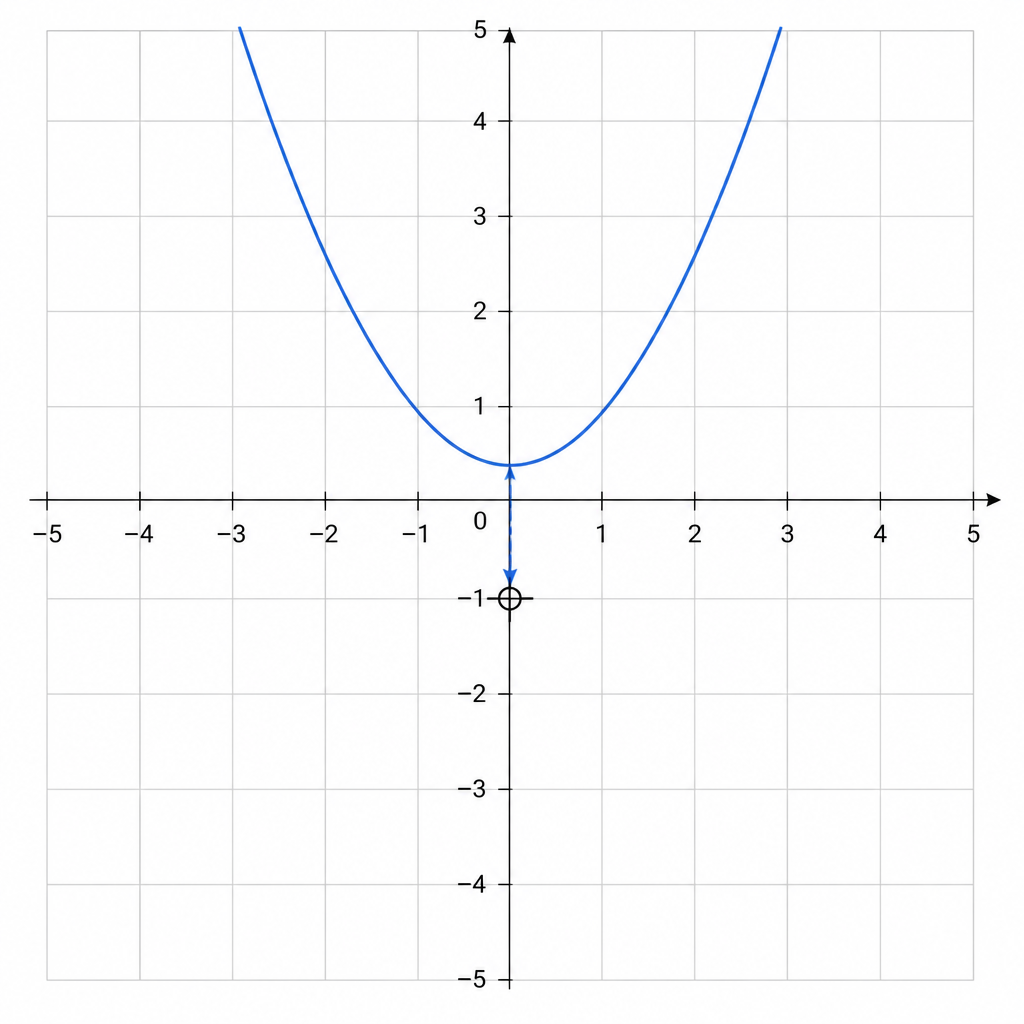
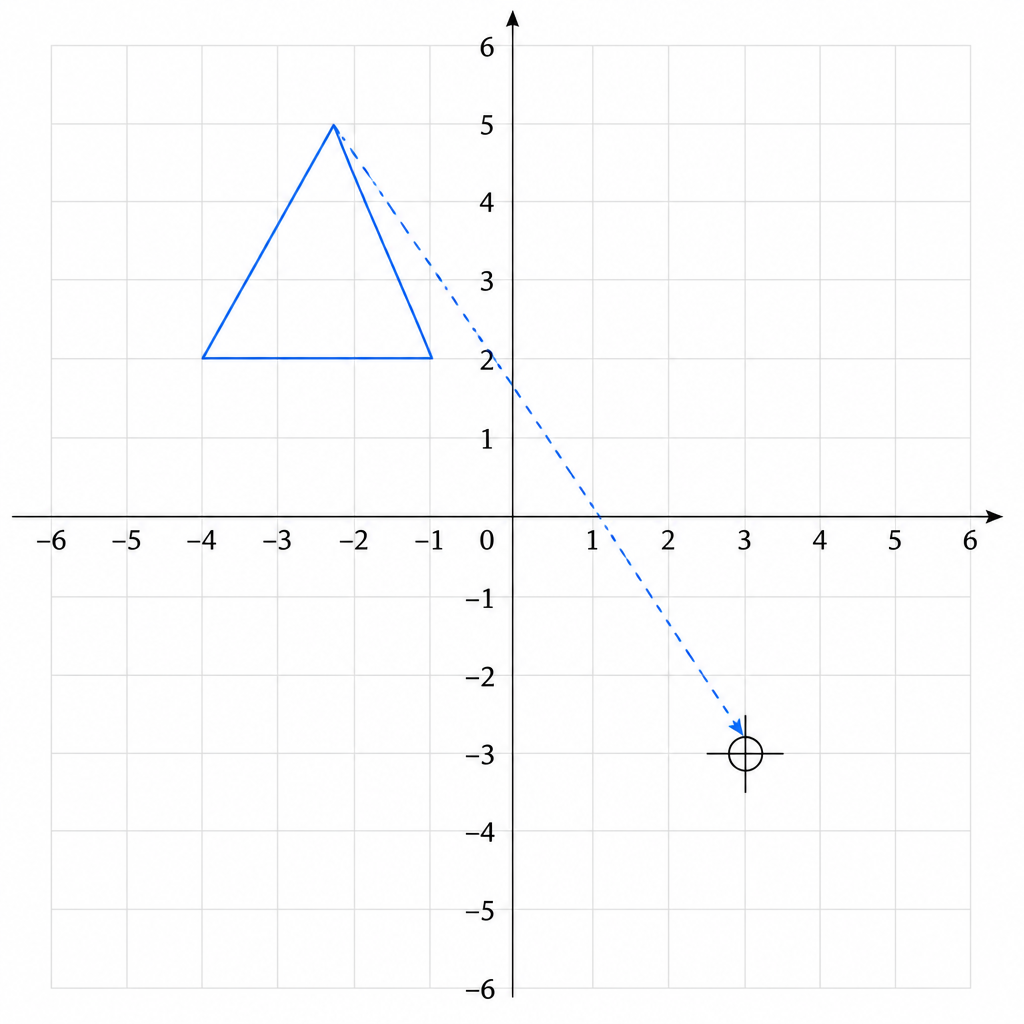
| Shape | Reference feature graded | Drag DOF |
|---|---|---|
| Line | intercept (slope fixed — rigid) | translate 2D |
| Curve (parabola) | vertex | translate 2D |
| Wave | phase (h) / midline (v) | translate |
| Circle | center | translate 2D |
| Triangle / rect / polygon | a named vertex or centroid | translate 2D |
| Point | — collapses to B1 plotting — | — |
B4 — Select existing elements type: exists grading: net-new
| Shape | Selectable units |
|---|---|
| Points | the points (canonical “which is the minimum?”) |
| Line(s) | whole line(s) — which is the boundary / has slope 2 |
| Curve | the curve, or candidate points on it |
| Triangle / polygon | whole shape, a vertex, or a side |
| Circle | the circle, or a marked point |
| Region | → that's B7 Shade-Select (filled regions), not B4 |
B5 — Identify type extend
| Element kind | Option set |
|---|---|
| Point (any shape, incl. number line) | closed / open / dashed |
| Line / boundary | solid (≤/≥) / dotted () |
| Discontinuity on a curve | asymptote / removable hole |
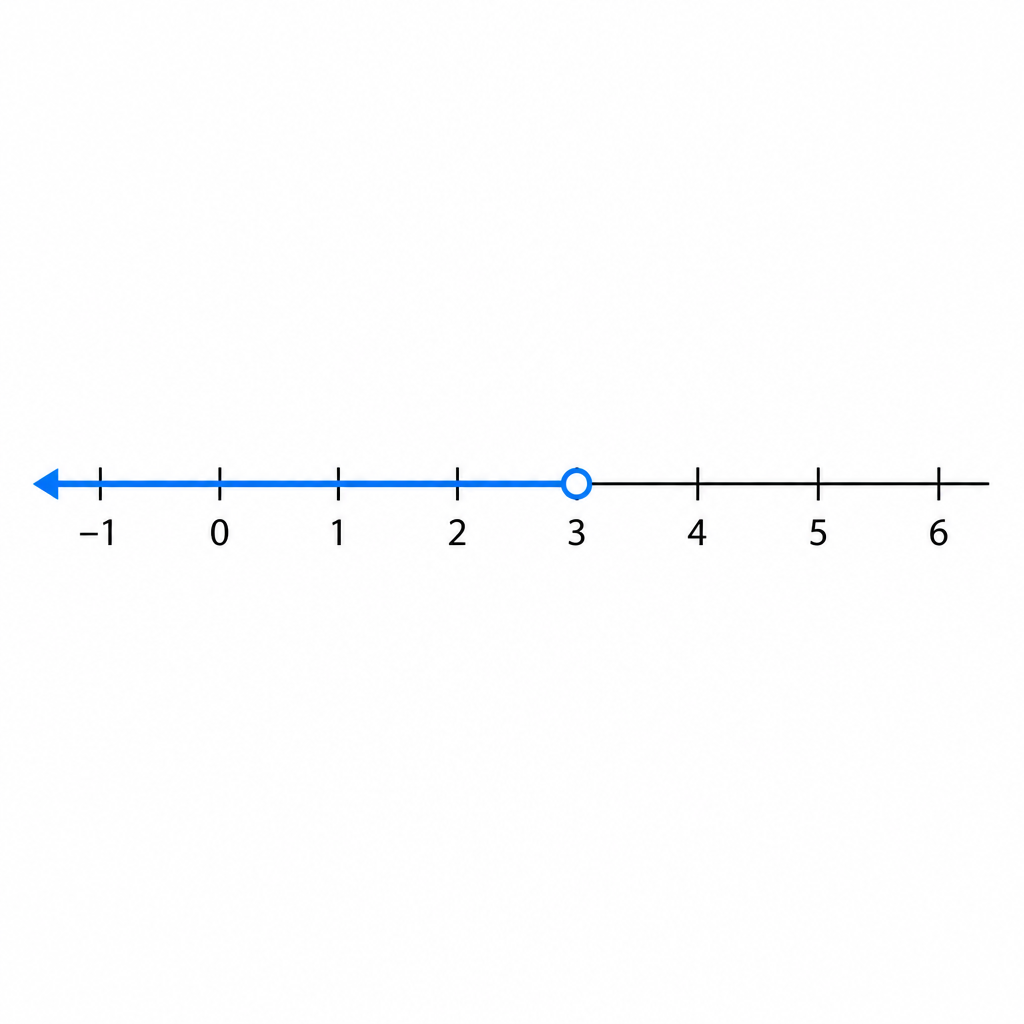
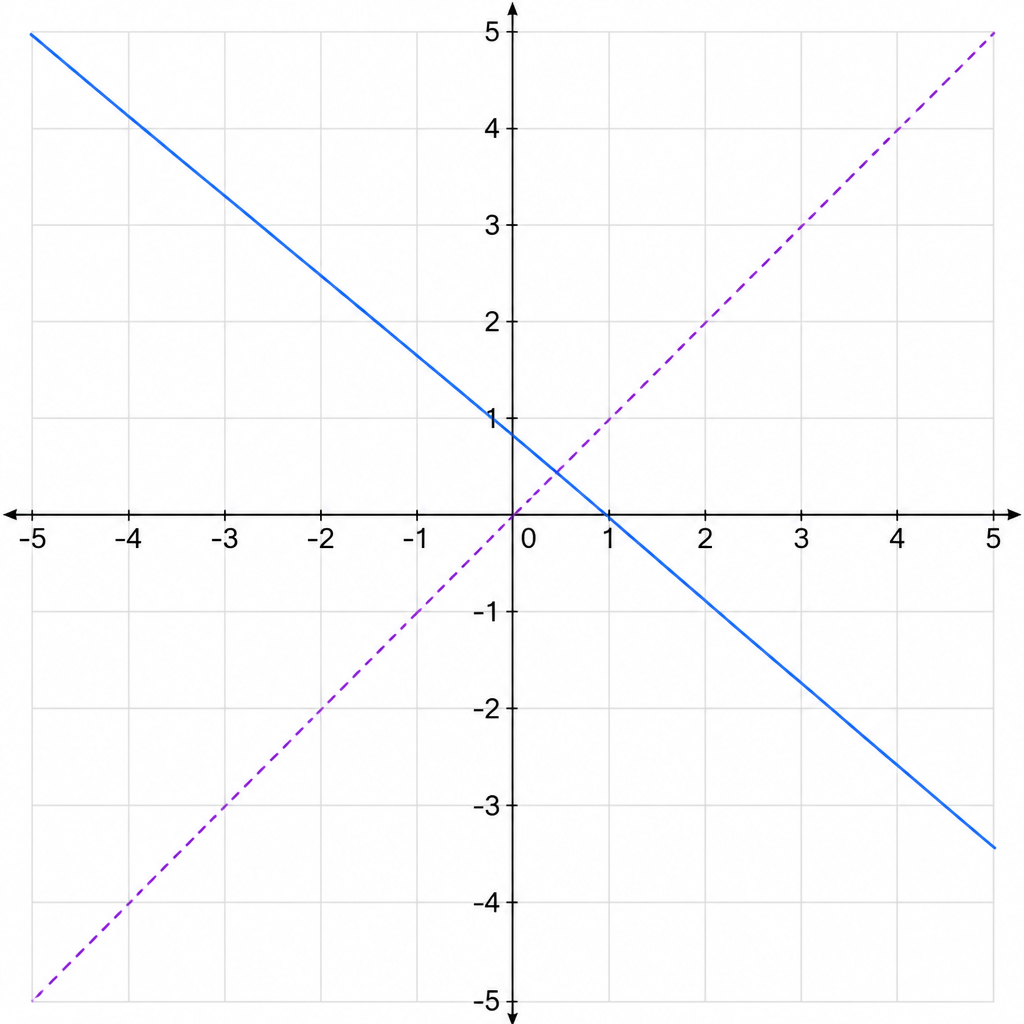
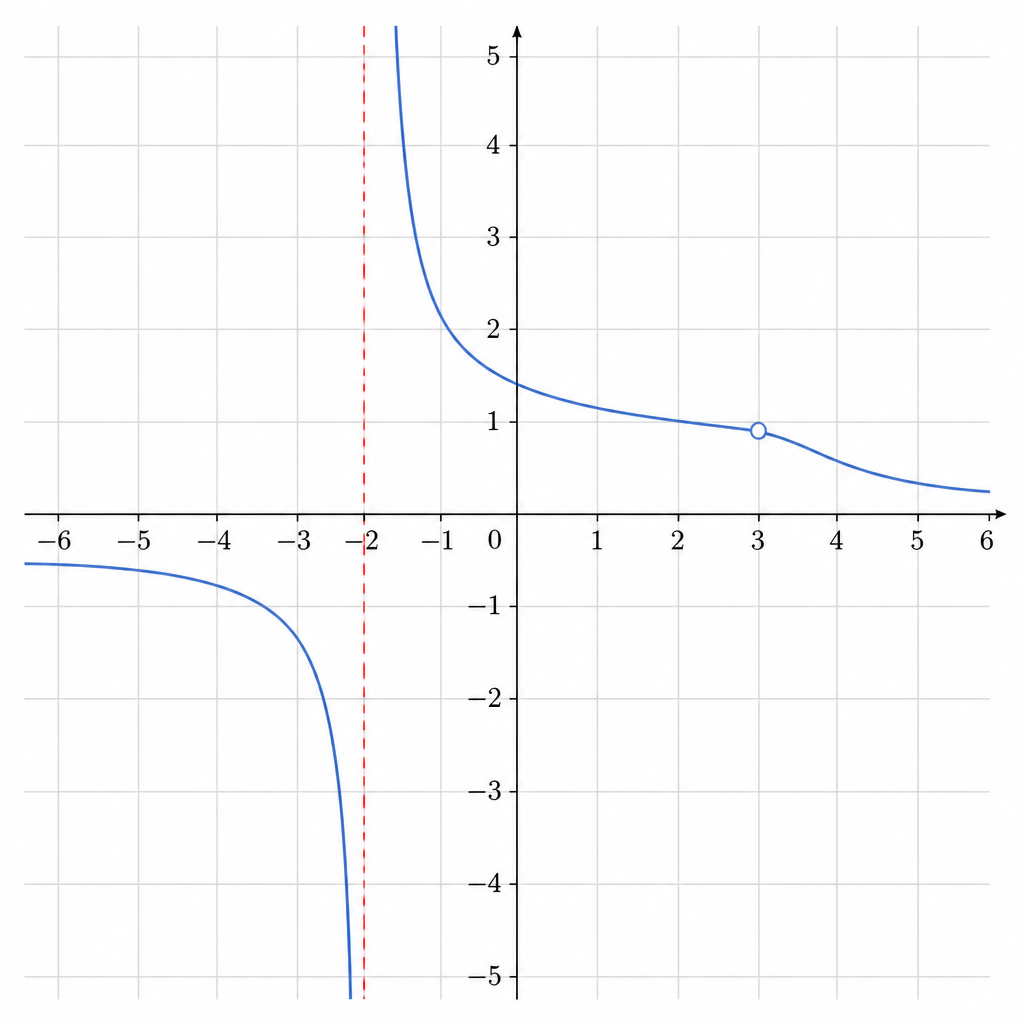
Cross-cutting decisions
- Shape Descriptor is the load-bearing abstraction — it's what makes I1/C1 real (one exercise, any shape).
- Empty matrix cells are expected. "Plot the roots" is meaningless on a triangle — a gap by design, not a missing feature.
- B1/B2 collapse on a lone point — a single draggable point is just plotting.
- B2 = translate only; reflection & rotation are separate movement types applied per shape.
- B4 vs B7: discrete elements (points/lines/vertices) = B4; filled regions = B7 Shade-Select.
- Grading is the prize: once shapes expose identities + reference features + snap rules via the descriptor, grading code is written once.
Change Log
Versioned diff of the contract's Behaviors / Invariants / Constraints (BIC), newest first, with image evolutions pulled from git (+ added, ~ regenerated, − removed, ⇄ renamed). Each version maps to one commit + feedback round.
V5 — Status tags, drag-handle concavity, shapes architecture
Stop presenting shipped things as new; consolidate; concavity becomes a real drag handle.
Behaviors
Invariants
Constraints
V4 — Select existing elements; gray read-only, no lock icons
Reclassify selection vs plotting; replace invented lock icons with the existing gray treatment.
Behaviors
Invariants
Constraints
V3 — Empty-canvas plotting, Select-Type menu, multi-region & negative area
Add the missing plotting/shading cases and the cross-cutting menu & fixed-vs-moveable sections.
Behaviors
Invariants
Constraints
V2 — Rebuilt on the 10-primitive structure; barebones figures
Expand 5 → 10 primitives and strip every figure to the bare graph (no app chrome).
Behaviors
Invariants
Constraints
V1 — First Applications tab
Initial map: the 5 spec primitives + "beyond" concepts, with richly-styled (app-chrome) figures.